How do you write YouTube titles that get clicks? Good YouTube titles make one specific promise, put the most important words in the first 50 or so characters, and work together with the thumbnail instead of repeating it. Write three to five candidates per video, then let YouTube's built-in A/B test pick the winner by watch time rather than trusting your gut.
Most creators spend six hours on a video and six minutes on its title. That ratio is backwards. The title and thumbnail are the only parts of your video a stranger sees before deciding whether to give you their time, and the algorithm only shows your work to more people when those strangers click and then stay.
This guide covers how to write YouTube titles that earn the click honestly: the length rules, seven formulas that keep working, the mistakes that quietly kill click-through rate, and how to test titles instead of guessing.
Why YouTube titles matter more than you think
YouTube titles are half of your packaging, and packaging decides whether a video gets a chance at all. YouTube's own thumbnail and title tips frame the two as a pair: the thumbnail grabs attention, the title tells the viewer what they will get.
Click-through rate on its own is not the goal, though. YouTube rewards videos that viewers click and are satisfied by. A clickbait title that wins the click but loses the viewer in 20 seconds teaches the system that your video disappoints people. We covered that trade-off in depth in what the YouTube algorithm actually rewards for small channels.
So the job of a title is narrow and precise: attract the right viewer, and set an expectation the video then keeps.
The hard limits: length and truncation
YouTube allows titles up to 100 characters, according to YouTube Help. That is the ceiling, not the target.
What viewers actually see is shorter. Titles get cut off on mobile home feeds, in suggested video sidebars, and in search results, and the exact cutoff varies by device and layout. The practical rule:
- Front-load the promise. The words that make someone click should sit in the first 40 to 50 characters.
- Treat the rest as a bonus. Anything after that should be safe to lose.
- Check it on a phone. Most YouTube viewing happens on mobile, so preview your title there before publishing.
| Title | Problem | Fix |
|---|---|---|
| My Honest Thoughts After Using This Camera for a Year (Sony ZV-E10) | The product name, the reason to click, is at the end and gets cut | Sony ZV-E10 After 1 Year: My Honest Review |
| Episode 47: Talking About Budgeting | Says nothing a stranger cares about | I Tracked Every Dollar for 30 Days (Here's What Changed) |
7 formulas for YouTube titles that keep working
Formulas are not a shortcut around having an interesting video. They are a way to describe an interesting video clearly. These seven show up again and again across niches.
1. The specific result
"I Grew a Channel From 0 to 10,000 Subscribers in 9 Months." Specific numbers read as true. Vague ones ("fast", "a lot") read as marketing.
2. The how-to with a constraint
"How to Edit a YouTube Video on Your Phone (No Paid Apps)." The constraint filters for exactly the viewer the video serves.
3. The mistake or warning
"Stop Doing This in Your First 10 Seconds." Negative framing works because avoiding loss motivates people more than chasing gain. Use it only when the video genuinely names the mistake.
4. The comparison
"Canva vs VEED: Which Editor Fits YouTube in 2026?" Comparison viewers are close to a decision, so these titles attract high-intent traffic. See our Canva vs VEED breakdown for how that plays out.
5. The curiosity gap
"The Setting Every Beginner Gets Wrong." A curiosity gap opens a question the viewer wants closed. It must be closed early in the video, or retention collapses.
6. The list
"5 Budget Mics That Sound Expensive." Lists promise a clear structure and an end point, which lowers the commitment of clicking.
7. The personal experiment
"I Tried Posting Every Day for 30 Days." Experiment titles combine a story, a timeframe and an implied result in one line.
How YouTube titles and thumbnails should work together
The most common packaging mistake is a thumbnail that repeats the title word for word. That wastes half your space.
Treat them as two halves of one sentence. The thumbnail shows the emotion or the visual hook; the title adds the context. A thumbnail of a burnt cake with the text "WHY?" paired with the title "I Followed a Viral Recipe Exactly (It Failed)" works because each piece adds something the other lacks.
If you are designing the thumbnail side, our guide to thumbnail mistakes that kill your CTR covers the visual half of this pairing.
Mistakes that quietly kill YouTube titles
Writing for the algorithm instead of the viewer
Stuffing keywords into YouTube titles ("Budget Travel Tips Cheap Travel Travel Hacks 2026") reads as spam to humans. Search matching is far smarter than exact keywords now. Write one natural phrase that includes what people search for, then stop.
Promising more than the video delivers
If the title says "I Quit My Job" and the video is about considering quitting, viewers leave and some leave angry. The short-term click costs you long-term trust and retention.
Being clever instead of clear
Inside jokes and puns only land with people who already know you. Strangers, the people you need to grow, scroll past a title they cannot decode in a second.
Changing titles too often
Rewriting a title every few hours makes it impossible to tell what worked. Use a proper test instead.
Test your YouTube titles instead of guessing
YouTube Studio now lets you A/B test titles as well as thumbnails. According to YouTube Help, you can test up to three titles, up to three thumbnails, or combinations of both. The version with the highest watch time is then shown to all viewers.
That last detail matters. The winner is chosen by watch time, not raw clicks, which is YouTube quietly enforcing the rule from the top of this post: a title has to earn the click and keep the viewer.
A few limits worth knowing from the same help page:
- It runs on desktop YouTube Studio only, and needs advanced features enabled.
- Shorts, scheduled lives and Premieres cannot be tested yet.
- Made for kids, mature and private videos are excluded.
A simple routine: write five YouTube titles for every video, cut to your best three, and run them as a test on every long-form upload. After ten videos you will have real data on which formulas work for your audience, which is worth more than any list of formulas, including this one.
Where Creator AI fits in
Coming up with five genuinely different title candidates is the hard part, because your first idea anchors every idea after it.
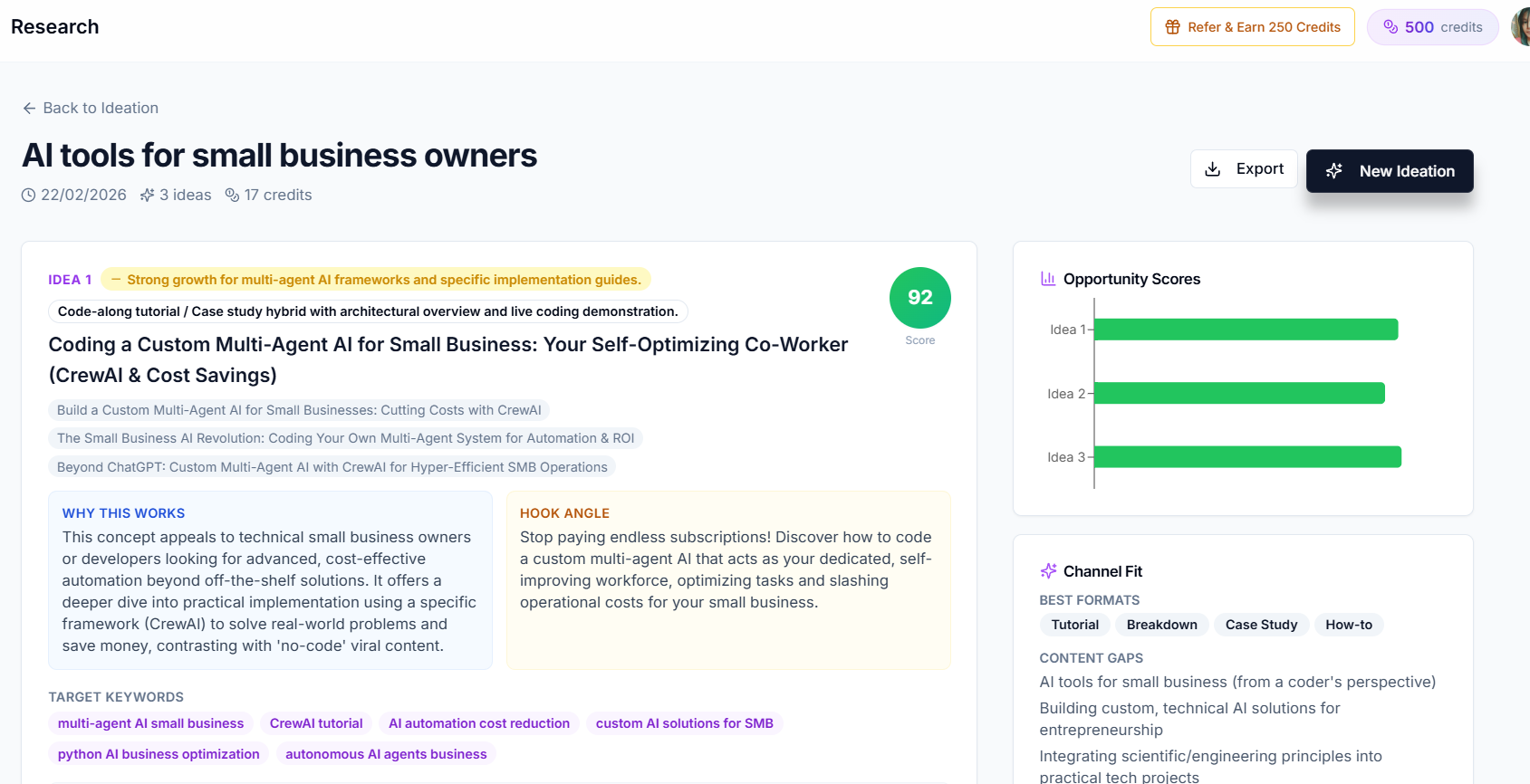
Creator AI's ideation tool helps here. Each video idea it returns comes with several title variations alongside an opportunity score, drawn from trend signals in your niche. If you have trained AI Studio on your channel, the suggestions follow your voice rather than generic clickbait. You still choose, and you still test, but you start from a spread of options instead of one.
For the next step after the title, our guide on writing YouTube hooks that stop the scroll covers how to keep the promise your title just made in the first 15 seconds. And if you are still hunting for what to make, start with our YouTube video ideation system.
Conclusion
Great YouTube titles are not tricks. They are clear, specific promises, front-loaded for mobile, paired with a thumbnail that adds rather than repeats, and tested by watch time rather than instinct.
Write more candidates than feels necessary, keep the promise in the first minute of the video, and let YouTube's own A/B test settle the argument. Do that on every upload and your YouTube titles will improve faster than any formula could make them.