How Creator AI works
Four steps, and only one of them takes any setup
Building AI memory is the part that makes everything else personal. You do it once.
Connect your channel
Sign in with Google and link your YouTube channel. Creator AI reads your public videos and channel stats, so it starts from what you have already published instead of a blank profile.
- One-click Google sign-in
- Your subscribers, views and video count in the dashboard
- Nothing is posted to your channel

Build AI memory from your best videos
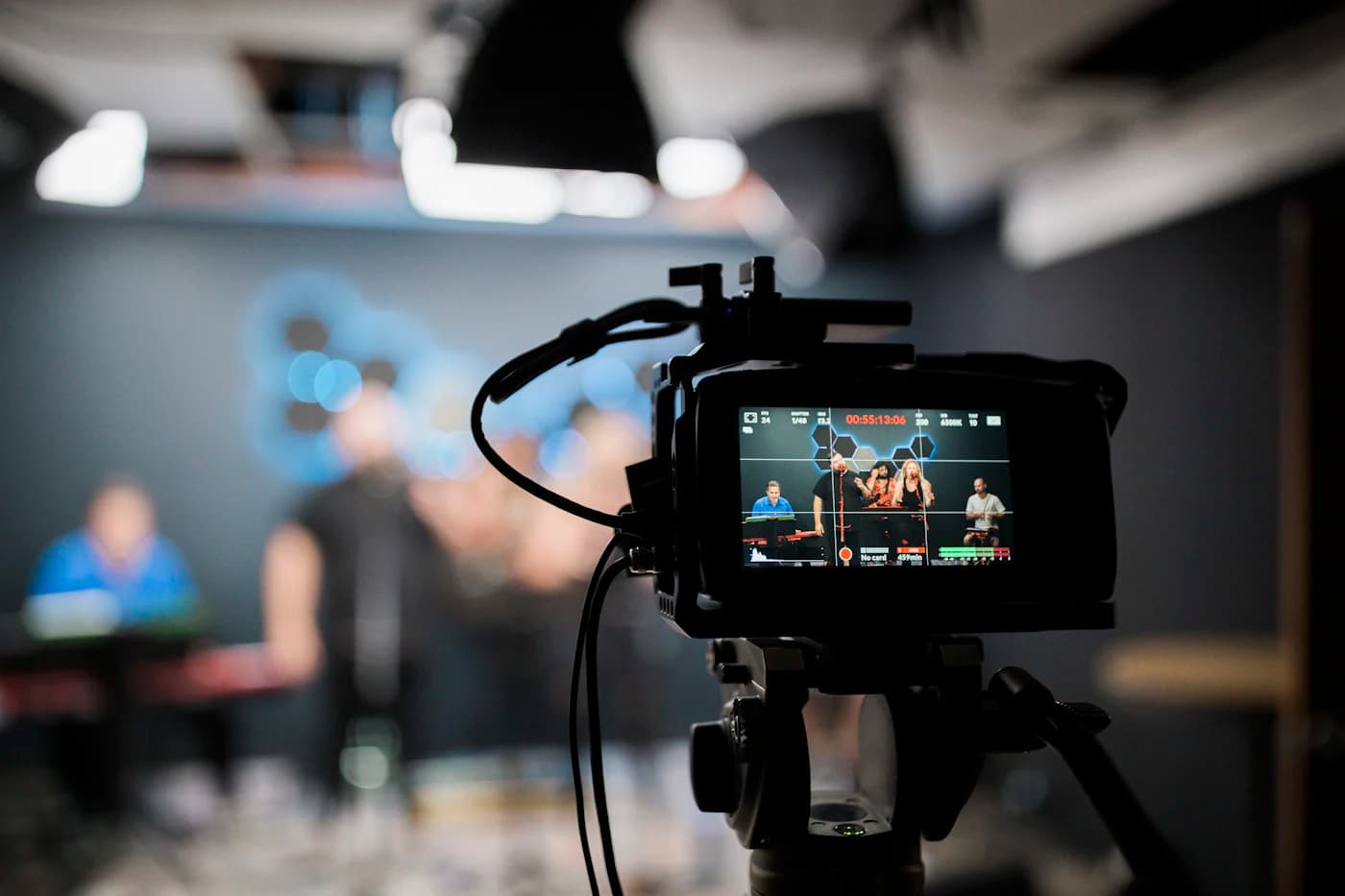
Pick three to five videos that sound most like you. The model watches them, the actual footage rather than the titles and descriptions, and builds an AI memory of your tone, pacing, vocabulary and the way you open a video.
- Choose the videos that represent you best
- Learns tone, pacing, humour and vocabulary
- Rebuild whenever your style moves on
Create in your own voice
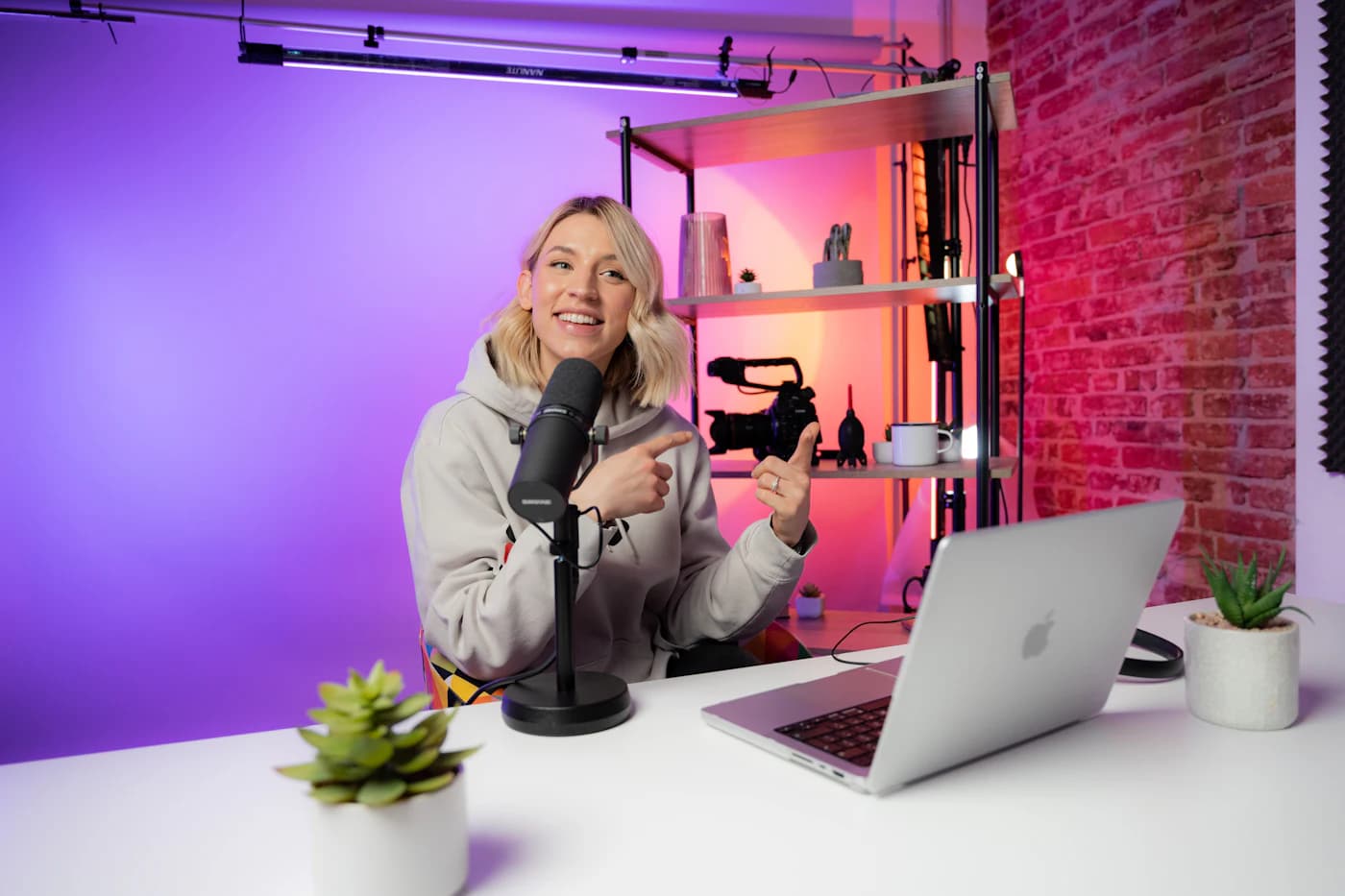
Ask for a script, a set of video ideas, a story structure, a thumbnail or subtitles. Every generation is conditioned on your AI memory, so the draft arrives sounding like your channel rather than like an AI.
- Scripts with a real hook, sections and a closing CTA
- Ideas scored for opportunity in your niche
- Story structures with a retention score before you film
Publish, then go further
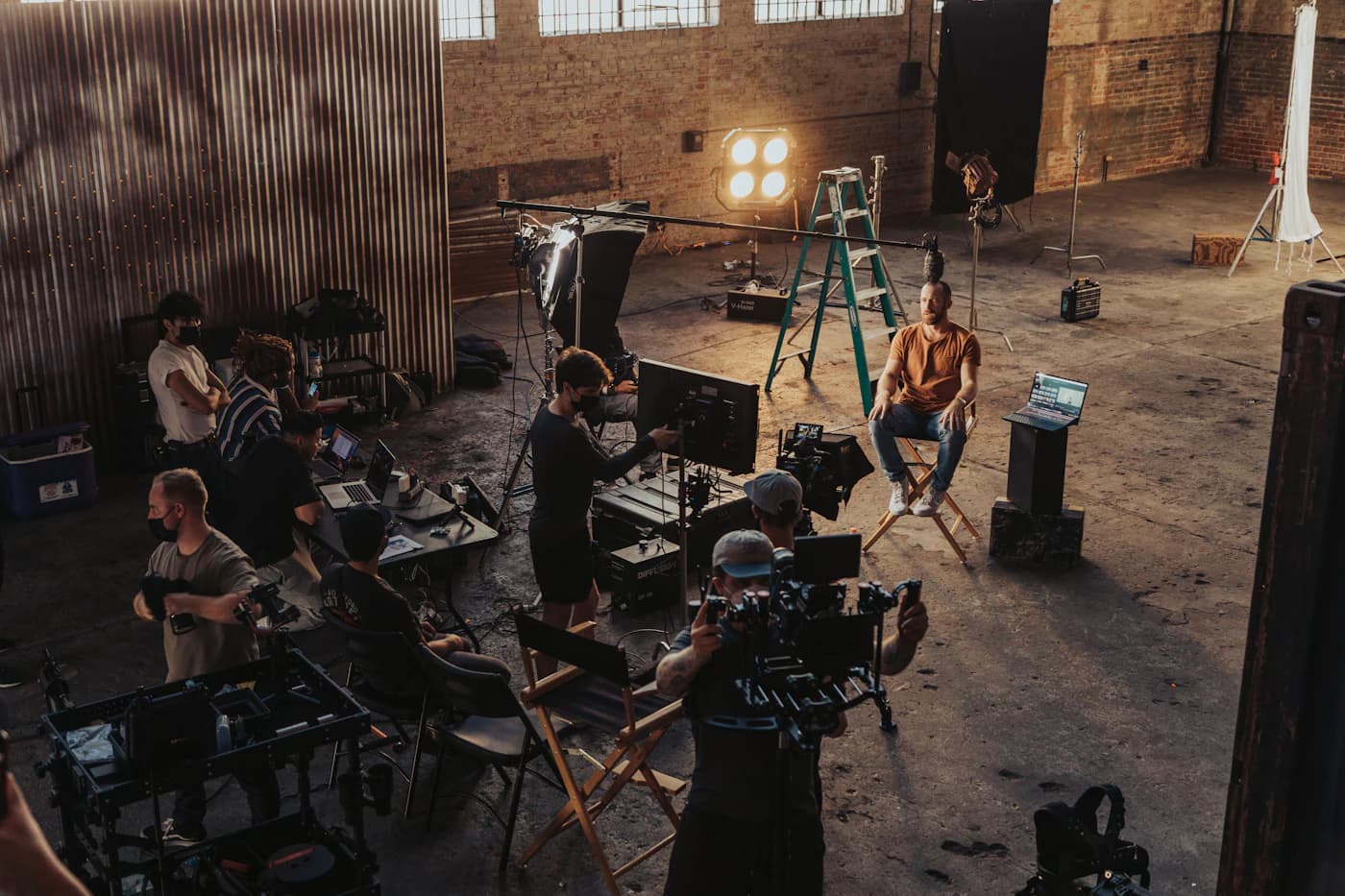
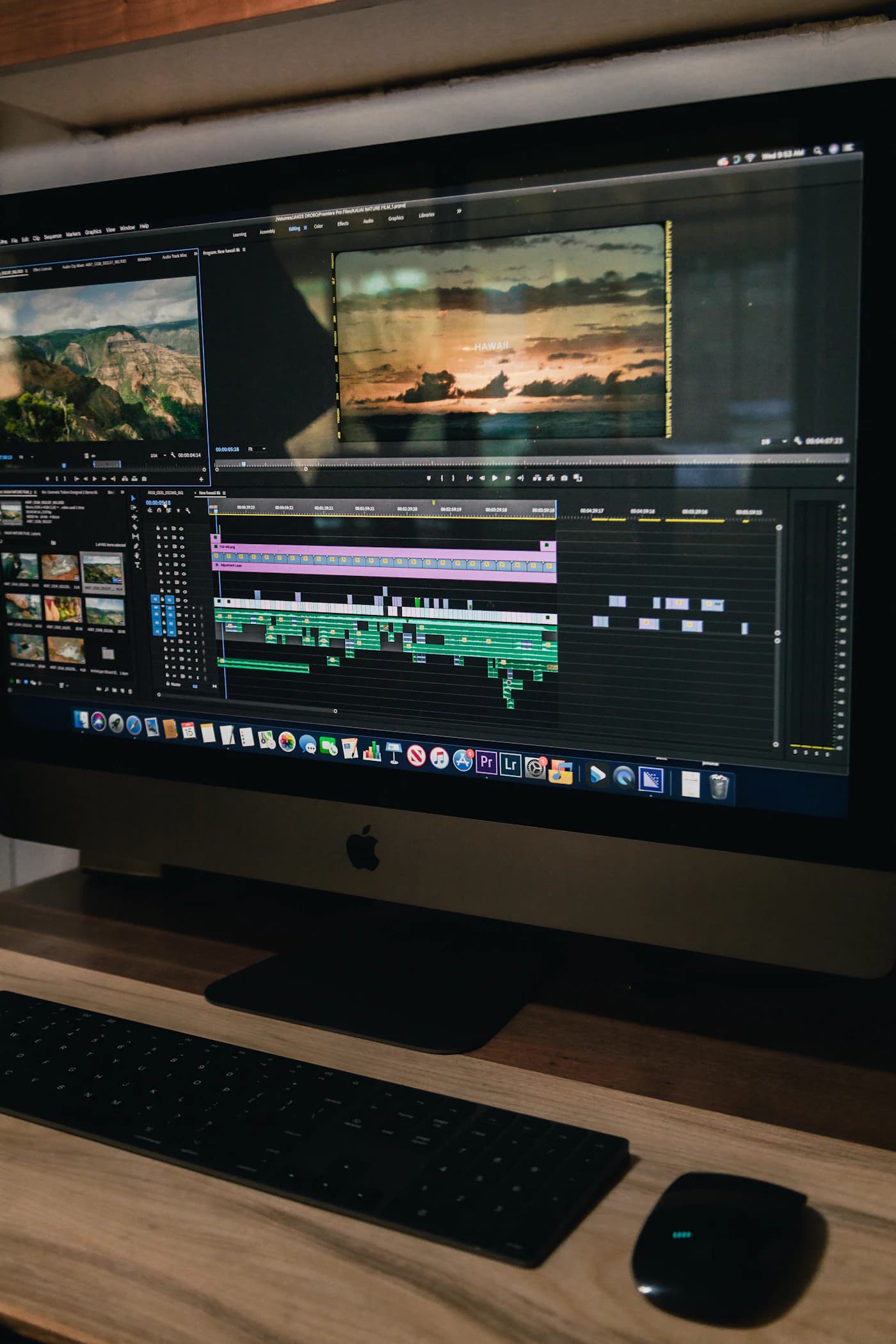
Export the script, download the thumbnail, pull subtitles out as SRT or VTT. When the video is finished, dub it into another language in a clone of your own voice and reach viewers who never found you before.
- Export scripts, thumbnails, SRT and VTT
- Dub finished videos in your own cloned voice
- Generate short clips for B-roll and openers
What happens when you press Generate
Your prompt never travels alone. It is combined with the style profile built from your own videos before a single word is written.
Your style is an input, not a prompt
The AI memory built from your videos is attached to every generation. That is the difference between asking a chatbot to "write like a YouTuber" and having a model that has watched your videos.
Built for YouTube specifically
Scripts are structured the way retention actually works: a hook in the first fifteen seconds, sections that re-hook, and a close that earns the next click. Generic assistants have no opinion about any of that.
Your channel stays yours
Creator AI reads your videos to learn from them and never publishes on your behalf. Everything it generates is yours to use commercially, with no watermark and no attribution.
Ten minutes from sign-up to a script you can film
Nothing to install, nothing to configure. The only wait is building AI memory, and it runs while you get on with something else.
- 10:00
Sign in with Google and connect your channel
- 20:30
Pick 3-5 videos and start building AI memory
- 3~5:00
Your AI memory is ready
- 46:00
Generate your first script in your own voice
- 58:00
Tweak the hook, export, and start filming
Already have a finished video? Skip straight to subtitles or dubbing. Neither needs AI memory.
The questions people ask first
- How long does building AI memory take?
- A few minutes for three to five videos. You only do it once. After that every script, idea and story structure uses the memory it built, and you can rebuild it whenever your style changes.
- Do I need a YouTube channel to start?
- You can use the free tools with no account at all, and features like subtitles work without connecting a channel. But AI memory is what makes the output sound like you, so a connected channel is where Creator AI earns its keep.
- What does the free plan actually include?
- The Starter plan is free, needs no card, and gives you 500 credits a month. That covers building AI memory, scripts, ideation (1 idea per run), story structures, thumbnails (1 per run) and subtitles. Dubbing is available on every plan, with videos up to 45 minutes on Starter. Video generation needs a Pro plan or above.
- Will the scripts sound like AI wrote them?
- That is the problem AI memory exists to solve. The model is conditioned on your own delivery, so the draft comes back in your vocabulary and pacing. Most creators record straight from it with light edits.
- Can I try it before signing up?
- Yes. The free tools run the same engines as the paid features with no account and no card. One full run each of the video ideas generator, script generator and story structure generator.
Or skip the reading and run one now
Build your AI memory tonight
Connect YouTube, pick a few videos, and every script after that sounds like you wrote it. 500 free credits a month, no card required.